
See a transfer from start to finish

Choose a route. Use the step links or scroll to see how devices connect, choose files and receive them. This walkthrough does not access your files.

Two Android phones

  1. Tap Receive on the second Android phone.
  2. Choose files in ShareMix and scan the receiver’s QR.
  3. Check the transfer status on the receiving phone.
Android → AndroidQR
JPG
Trip photos24 files

Connect the devices

For Android-to-Android, scan the receiving phone’s QR code. For iPhone and computers, open the local address in the browser.

Next step
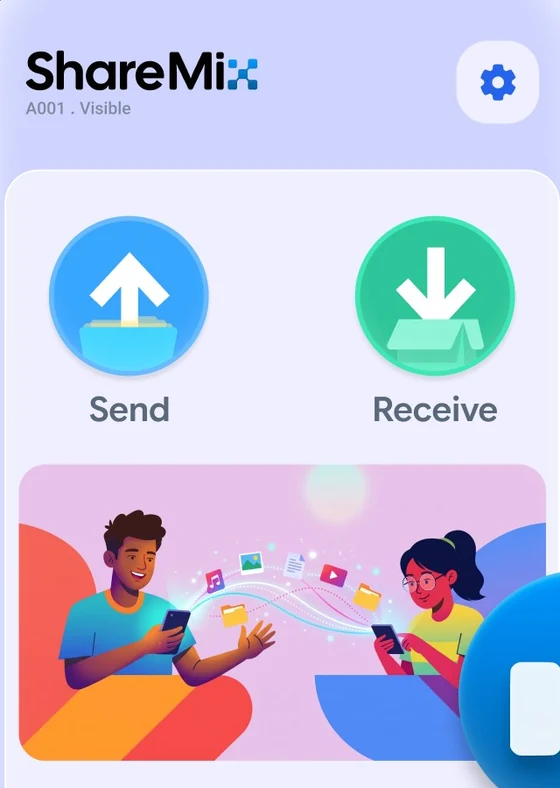
ShareMix app on Android
Android / WebShare
Trip photos24 files · 158 MB
Waiting to connect

Choose what to send

Pick the photos, document or video. Check the item count and size before starting.

Next step
ShareMix app on Android
Android / WebShare
Trip photos24 files · 158 MB
Ready to send

Check the received file

Keep both screens open until completion. Open the file from the destination or browser downloads.

Back to the knowledge base
ShareMix app on Android
Android / WebShare
Trip photos24 files · 158 MB
Received