 ShareMix
Connect the devices
For Android-to-Android, scan the receiving phone’s QR code. For iPhone and computers, open the local address in the browser.
Next step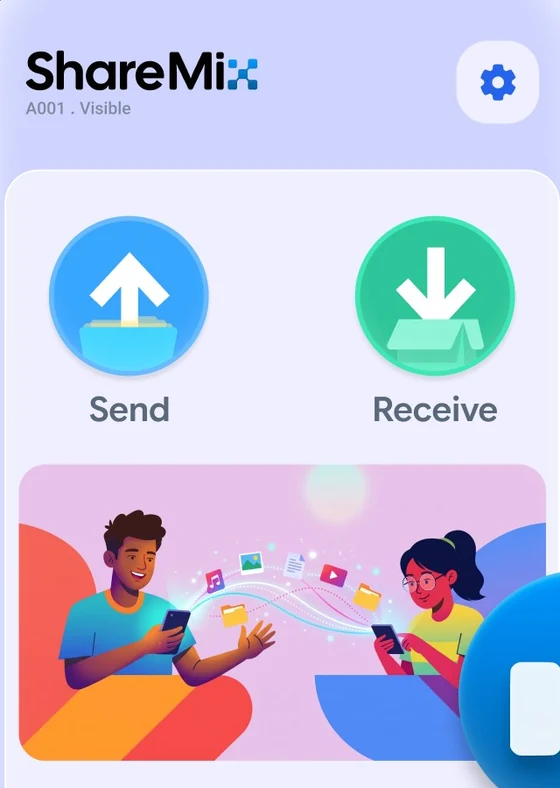
Choose what to send
Pick the photos, document or video. Check the item count and size before starting.
Next stepCheck the received file
Keep both screens open until completion. Open the file from the destination or browser downloads.
Back to the knowledge base