 ShareMix

Send your files. Right here, right now.
Send photos, videos and files from Android to a nearby phone or computer without using mobile data for the local transfer.
Follow the fileFrom phone to laptop
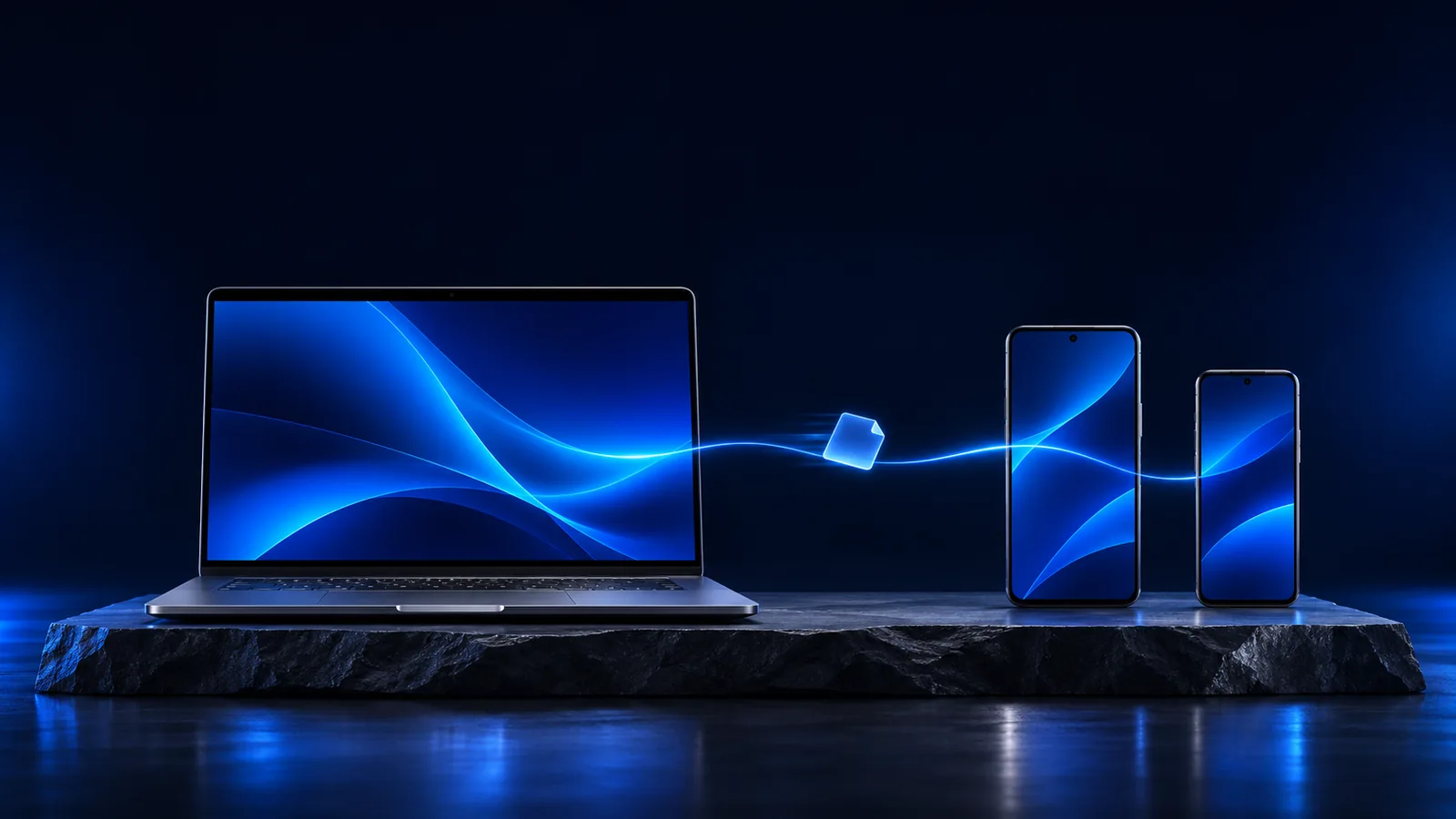
A large file? Send it nearby.
Receive a video, document or photo album through WebShare in your desktop browser.
Watch the transfer- Sender
- ShareMix on Android
- Receiver
- Android, iPhone, Windows or Mac
- Connection
- QR or WebShare
- File route
- Local connection
The details that make sharing easier

Keep the original photos
Select the whole album in one transfer and keep the original files.
Read the guideSkip the cloud upload
Move the file over your local connection, even when the internet is unreliable.
Read the guideTools you can use after sharing
Convert images, find duplicate files or play music stored on your phone.
Read the guideWhen the sender uses SHAREit
Open the SHAREit sender option on ShareMix’s Receive screen and follow the instructions.
Read the guideWhere is the file going?
Choose a route based on the device receiving the file.

Transfer route
Two Android phones
Open Receive on the second phone. On the sender, select a file and scan the second phone’s QR code from ShareMix.
Read this route guideAndroid to iPhone
Open WebShare on Android. Join the local connection on iPhone and enter the exact address in Safari.
Read this route guideAndroid and Windows
Open WebShare on Android. Enter its local address in a Windows browser to download the file.
Read this route guideAndroid and Mac
Follow the in-app connection instructions on both devices. Open the WebShare address and wait for completion before closing the tab.
Read this route guideStart with one photo.
Install ShareMix on Android and send your first file to a device nearby.