 ShareMix

Start with the destination’s format requirements
Check what the receiving form or app accepts. JPEG is commonly used for photos and PNG for text-heavy graphics or transparency. Renaming an extension does not convert the image.
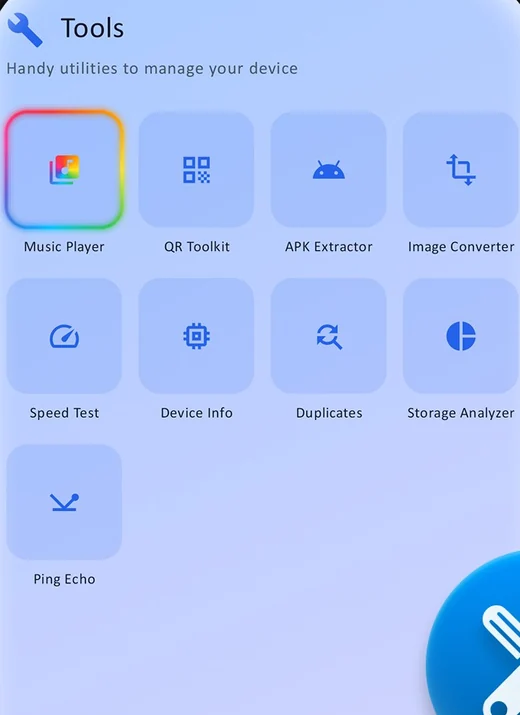
Use the image converter in ShareMix
- Open Image Converter in Tools.
- Choose an image and select the required format from the available options.
- Open the result and check sharpness, color, transparency, and file size before sending.
Keep the original for editing
A compressed format can change detail or transparency. Keep the original alongside the converted file for printing, editing, or long-term storage.
When the converted file is too large
Check both the size limit and the resolution requirements of the receiving form. Resize a separate copy and inspect it at its actual display size.