 ShareMix
Start with the largest storage category
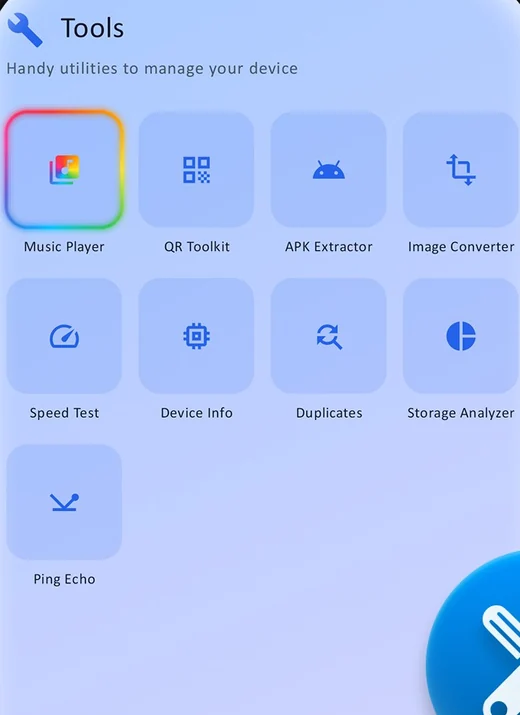
Use Storage Analyzer to see whether videos, images, downloads, or another category takes most space. Reviewing a handful of large files often yields more than sorting hundreds of tiny thumbnails.
Review potential duplicates
- Open the Duplicates tool and inspect its results.
- Compare the folders, sizes, dates, and previews where available.
- Keep the copy used by the original app or project. Transfer irreplaceable files to another device first.
Similar pictures can serve different purposes
An edited version, a high-resolution original, and a resized copy can look almost identical. Open each one and check its dimensions and finer details.
If free space does not change immediately
Check your gallery or file manager’s trash. A temporary trash folder can delay recovery of disk space. Empty it only after checking your backup.