 ShareMix
Use the file already on your device
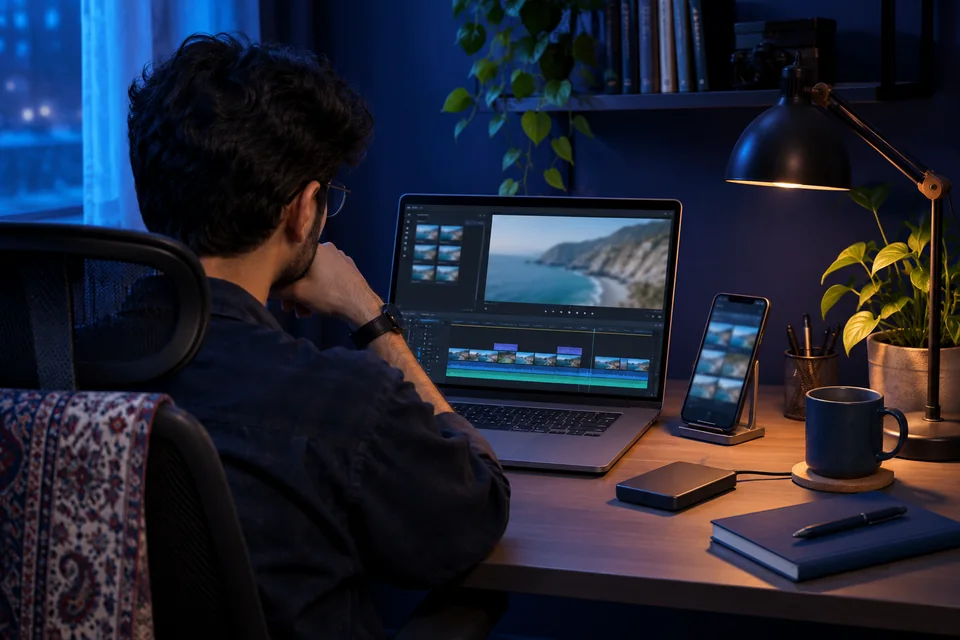
When two devices are nearby, a local transfer can move a long video, project export or original movie file without a cloud upload step. Send from Android to another phone or use the browser workflow on a laptop.
Check three things before you send
- Look up the file size and check that the receiving device has enough storage.
- Keep the devices nearby and follow the relevant connection instructions. Use WebShare for a laptop.
- Select the video and keep the transfer screen or browser tab open until it finishes.
If progress gets stuck
Try a small file first to check the connection. If that works, check free storage, battery restrictions and whether Wi-Fi drops during longer transfers. After receiving the video, compare its file size with the original and play a few sections.
What affects transfer time?
Wireless conditions, device performance and distance can all affect speed. If someone only needs a preview, make a smaller copy and hold on to the original for editing or archiving.