 ShareMix
Prepare local audio files
Your tracks must be accessible as audio files on your phone. Offline downloads from a subscription service may play only inside that service. Check Music or Downloads in your file manager first.
Open the music player in ShareMix
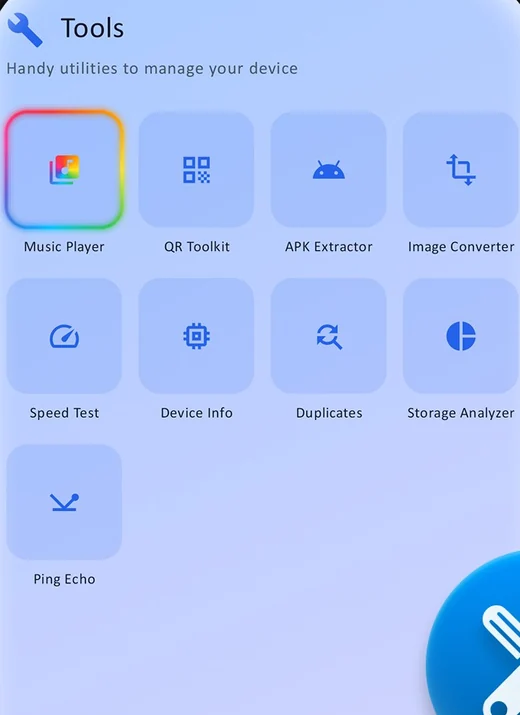
- Open Music Player from Tools.
- Check Android’s audio permissions if the app cannot see your files.
- Play one track and test it with internet access disabled before leaving.
If a received track is missing
Find the file in your file manager. If it is present but absent from the library, check where it was saved and whether its format is supported. Renaming it does not change its audio format.
For listening before sleep
If your version offers Sleep timer in the player, choose a duration to stop playback after that interval.